CARDIAC
CARDIAC, the CARDboard Illustrative Aid to Computation, is a computer printed on a sheet of cardboard. David Hagelbarger and Saul Fingerman designed it at Bell Telephone Laboratories in 1968 to teach how computers work. You are the hardware: you slide the strips, move the bug that marks the next instruction, and do the arithmetic.
The CARDIAC debugger runs CARDIAC programs in the browser and shows every step. More programs are in StrangeQuery/cardiac-code.
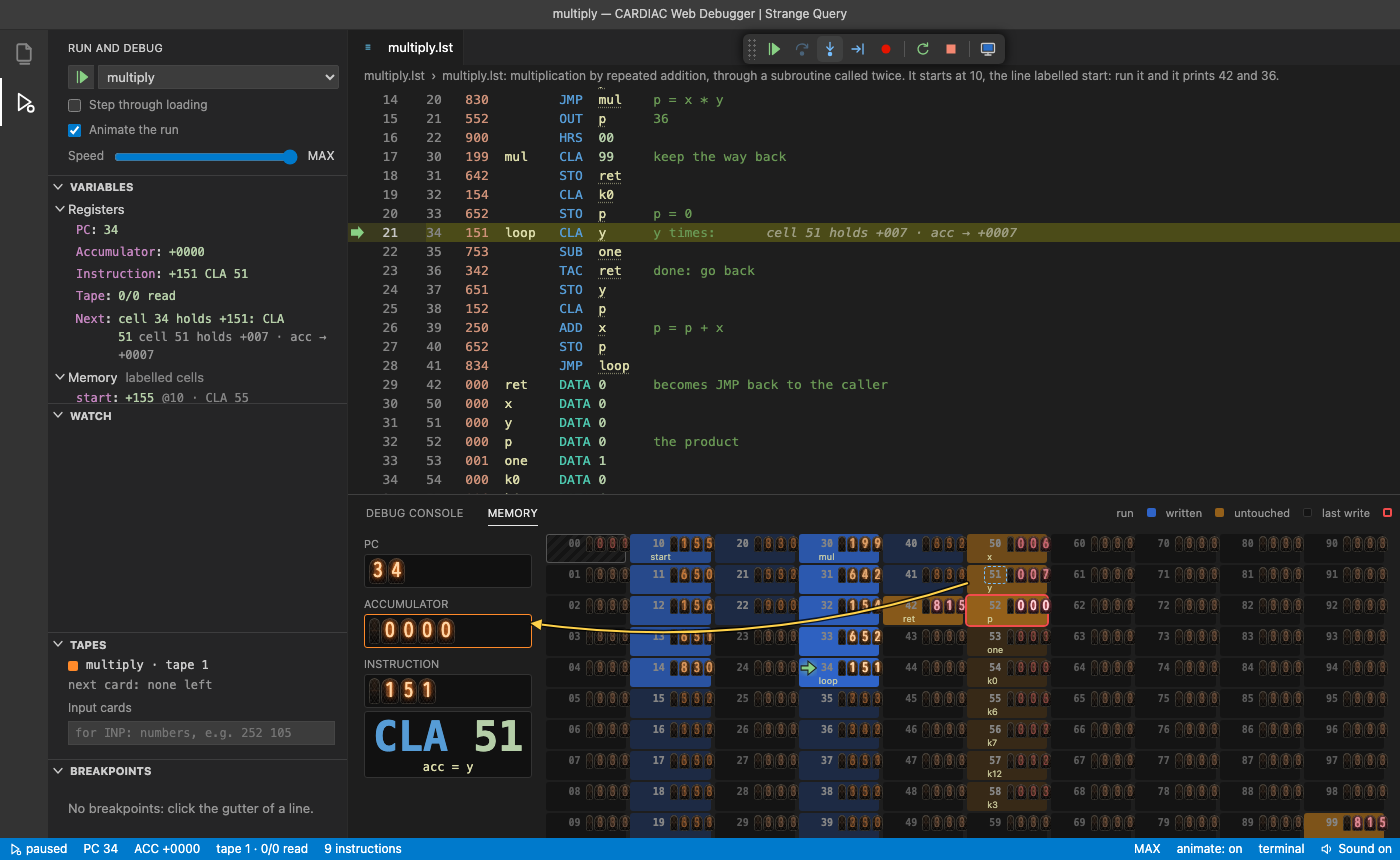 |
The CARDIAC debugger |
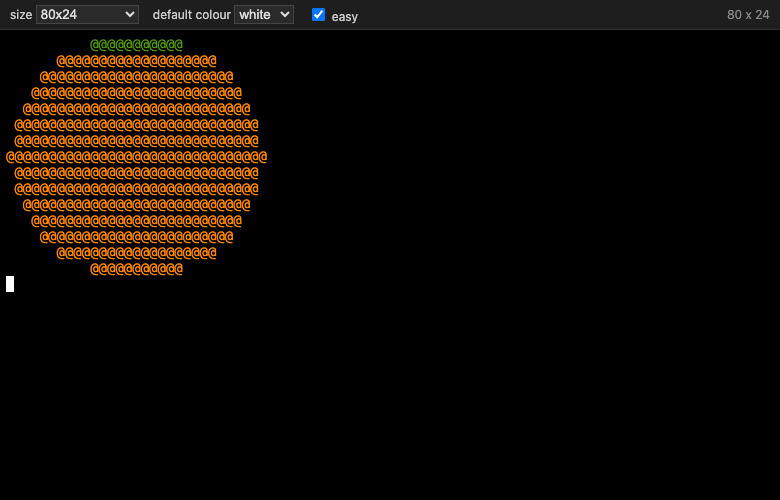 |
More CARDIAC programs: StrangeQuery/cardiac-code |
 |
A quick tour of CARDIAC |
The machine
Memory is 100 cells, 00 to 99, each holding a signed three-digit number. Instructions
and data share the cells. The accumulator holds a sign and four digits. The program counter says which cell the next
instruction comes from. Input is a deck of cards, one number to a card, and output is cards punched with numbers.
Cell 00 always holds 001, the start of the bootstrap that loads programs from cards. A
jump leaves its return address in cell 99.
Instructions
The first digit of an instruction is the operation, the other two an address: 152 is
CLA 52.
| Op | Name | Does |
|---|---|---|
0 | INP | read a card into the cell |
1 | CLA | clear the accumulator and add the cell |
2 | ADD | add the cell to the accumulator |
3 | TAC | if the accumulator is negative, jump to the address |
4 | SFT | shift the accumulator: left by the second digit, then right by the third |
5 | OUT | punch the cell onto a card |
6 | STO | store the accumulator in the cell |
7 | SUB | subtract the cell from the accumulator |
8 | JMP | jump to the address; cell 99 gets 8 and the return address |
9 | HRS | halt and reset the program counter to the address |
An example
Countdown prints 5, 4, 3, 2, 1, 0. Each line is a cell: address, contents, label, instruction, comment.
10  530  loop  OUT  n      print n
11  130        CLA  n
12  731        SUB  one    n - 1
13  316        TAC  done   below zero: stop
14  630        STO  n
15  810        JMP  loop
16  900  done  HRS  00
30  005  n     DATA 5
31  001  one   DATA 1
It's one of the examples in the debugger. Press Step (F11) to go one instruction at a time.